
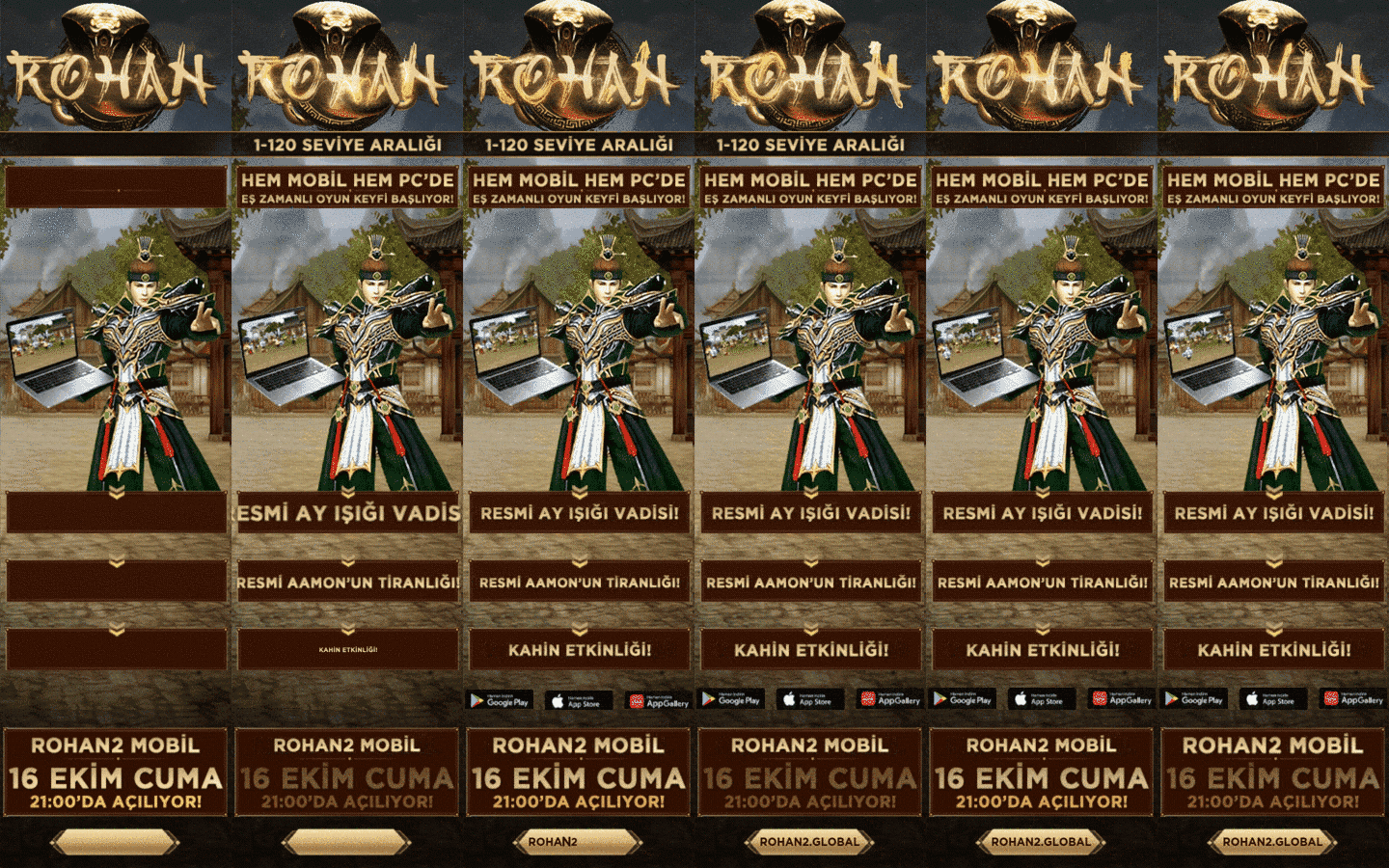
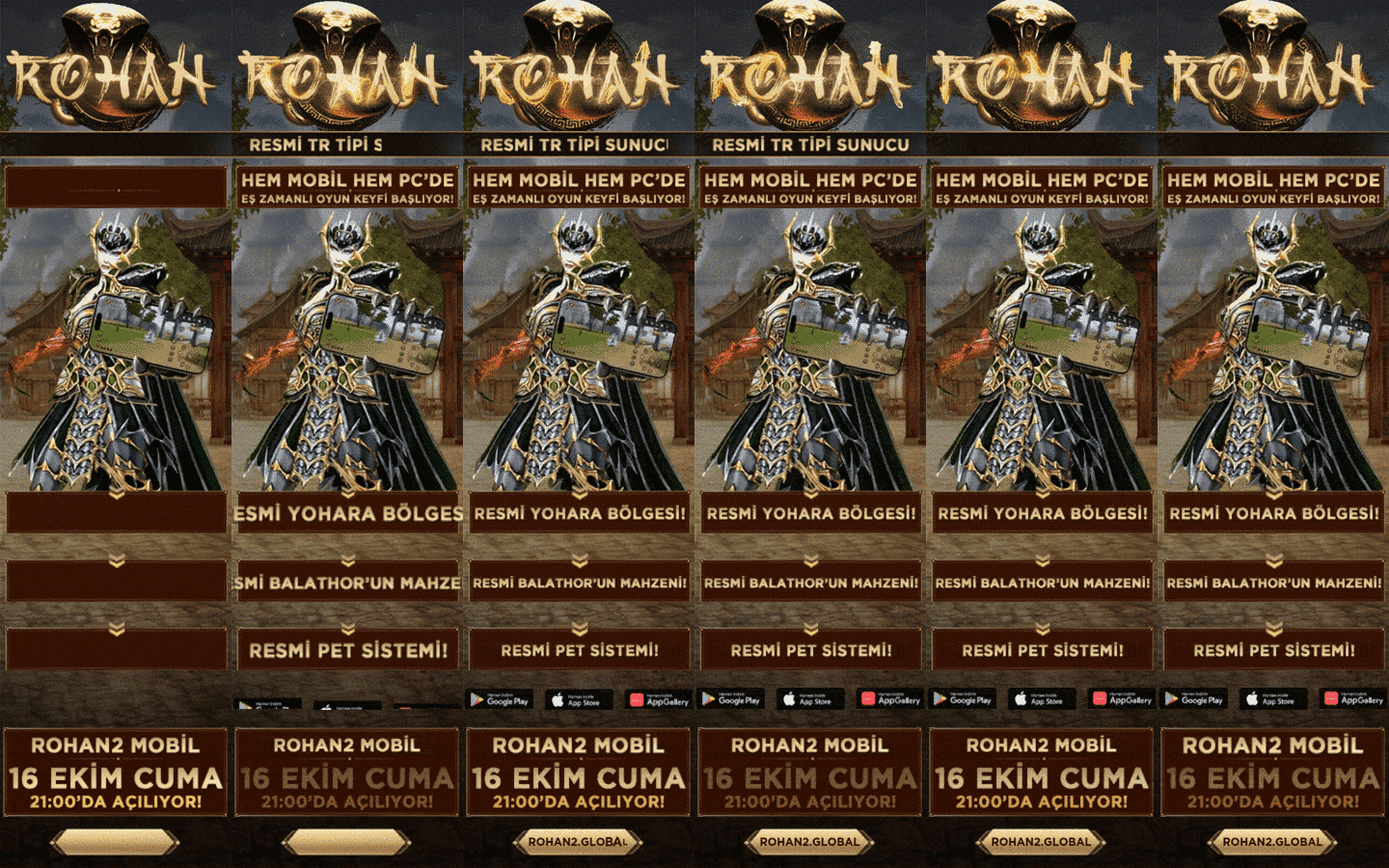


According to its official introduction, Royale Online can be played on mobile devices (iOS/Android) and on PC. Which one suits you depends on screen size, session length and the device you use most. This guide lists what to check.
Why play on mobile
- You can keep the game within reach and finish daily tasks in short sessions.
- Convenience mechanics such as auto-hunt were built with mobile players in mind.
- Phone notifications make it easier to catch event times.
Why play on PC
- A bigger screen makes maps, the market and inventory easier to manage.
- Long sessions do not drain a battery or heat up a phone.
- Crowded content such as guild wars is easier to follow.
Check before you decide
- Confirm in the official announcements whether one account can be used on both platforms.
- Download only from the official site.
- Make sure your phone has enough free storage and an up-to-date OS.
To compare servers, see the Royale2 Online category and our guide on which server to choose. Download steps are in our download guide.
Step by step
- Note which device you use most: phone, tablet or computer.
- Read the platform and account details on the official site.
- Try the daily tasks on one platform for a week.
- If it feels uncomfortable, try the other platform briefly and compare.
Common mistakes
- Trying a "faster" install through unofficial APK files.
- Starting an update without checking phone storage.
- Choosing a platform without reading whether the account works on both.
- Ignoring device heating during long auto-hunt sessions.
Frequently asked questions
Can I play Royale2 Online on both phone and PC?
The official introduction lists both platforms. Check the official notices for account and progress sharing rules.
Which platform is better?
There is no fixed winner; it depends on your play style and device. Try a short session first.
Where should I download the game?
Only from the official Royale Online site and store links. Avoid third-party APK files.