
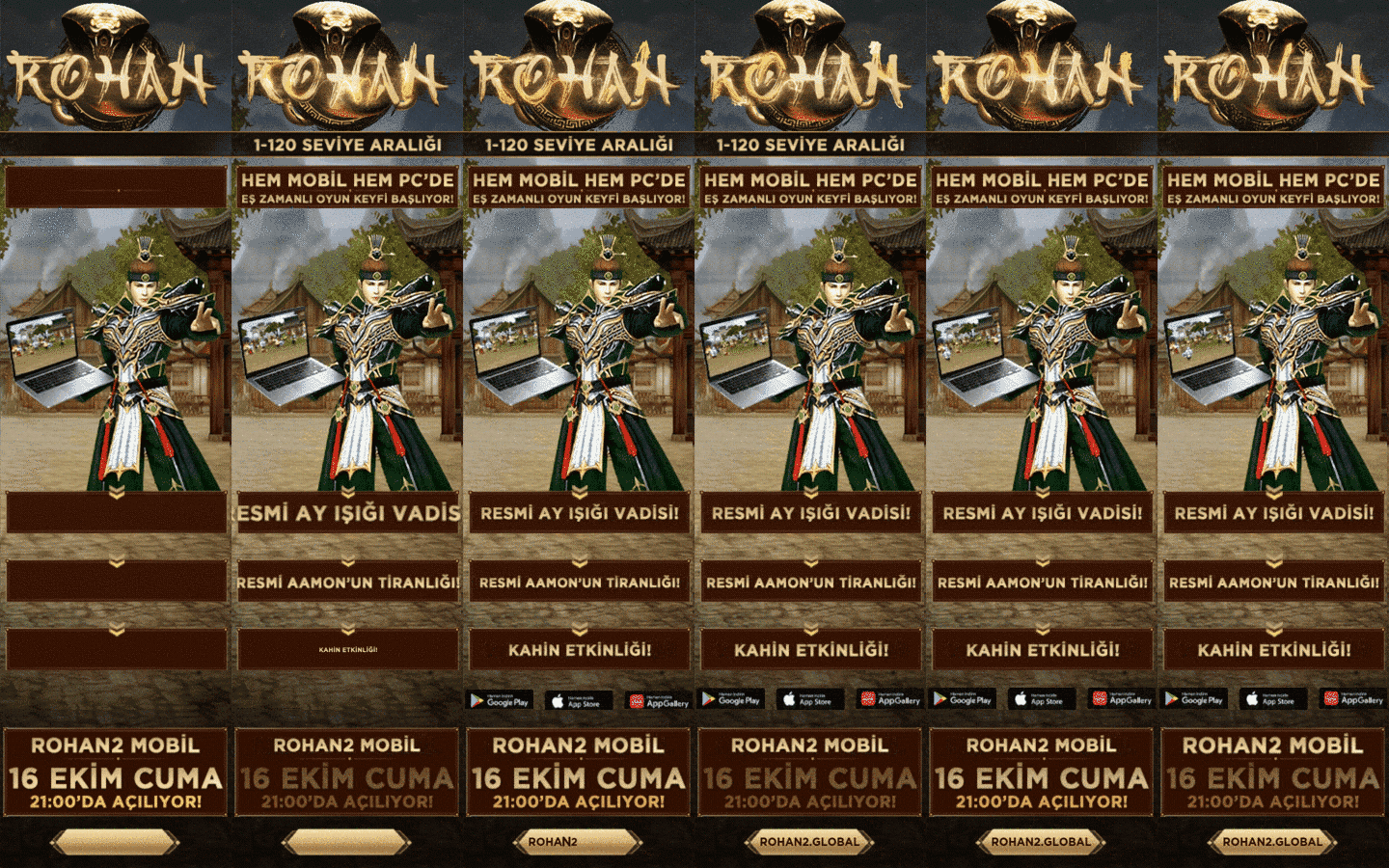
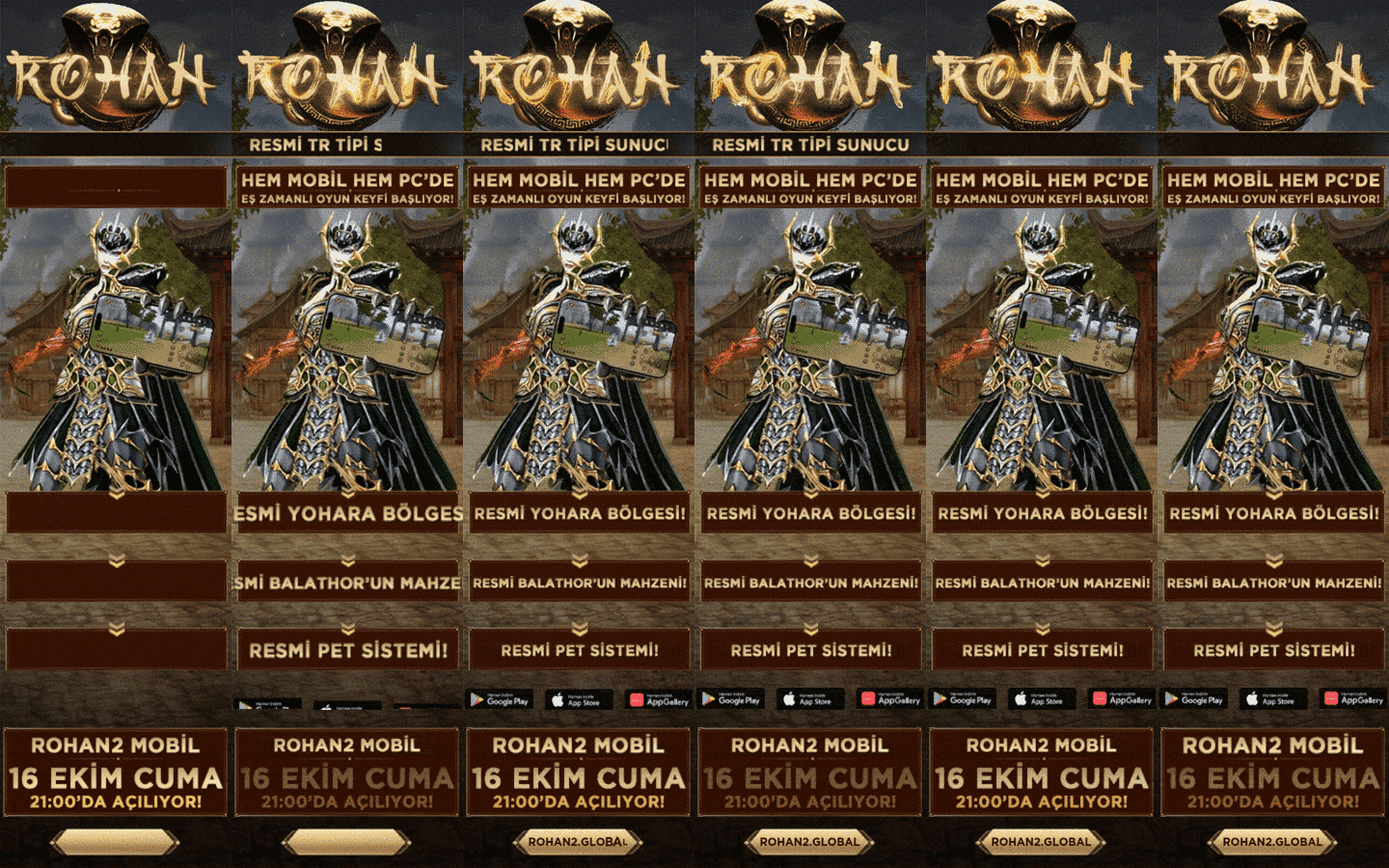

Royale Online is described in its official introduction as a game that brings the classic Far East-themed MMORPG (Metin2) atmosphere to mobile and PC. If you played Metin2, much will feel familiar, but remember it is a separate game.
What feels familiar
- Warrior, Ninja, Sura and Shaman classes.
- Yang and item economy, bosses and dungeons.
- Guild structure, PvP clashes and a three-kingdom setup.
What may differ
- Auto-hunt and convenience mechanics thanks to mobile and PC compatibility.
- Smart market and trading systems.
- An official game with its own event, maintenance and update calendar.
Checklist before switching
- Decide which platform you will use.
- Find your server: which server to choose.
- Do not confuse it with private Metin2 PvP servers; Royale is an official game. For private servers see the Metin2 PvP category.
Step by step
- Remember you need a new account; your Metin2 details do not carry over.
- Even if classes and economy feel familiar, read the game's own announcements.
- Compare the main server with a new-start server first.
- Spend the first week exploring and avoid big purchases.
Common mistakes
- Assuming Metin2 account details carry over to Royale2.
- Lumping Royale Online together with private Metin2 PvP servers.
- Applying old Metin2 economy habits one-to-one.
- Assuming the rules are identical without reading official notices.
Frequently asked questions
Does my Metin2 account work in Royale2?
No, it is a separate game and needs a new account.
Does Metin2 experience help?
Familiarity with classes and economy helps, but you still need to learn the game's own balance.
Is Royale2 a private Metin2 server?
No. Royale Online is its own official platform; the Royale entries on this site present that game's servers.