

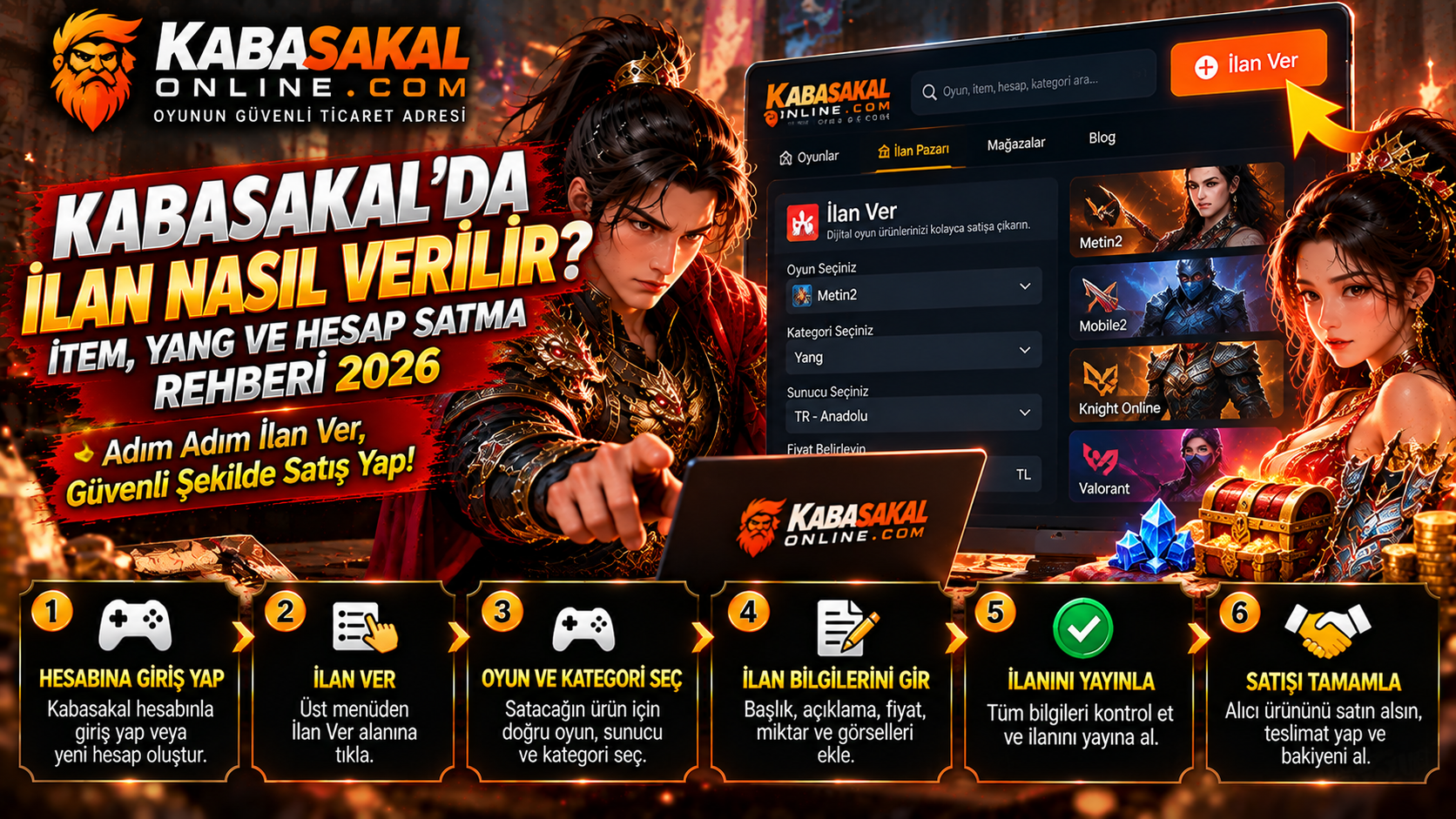
How to Create a Kabasakal Listing for Items, Yang and Game Accounts. This guide explains the main steps and points that should be checked using current official information.
Choose the right category
Confirm the game, server and item type before starting a listing. Check whether account sales are permitted.
Describe the offer
State the correct quantity, attributes and delivery conditions. Use clear screenshots without exposing private account details.
Follow transaction rules
Review marketplace commissions and the documented delivery process before accepting an order.
Frequently Asked Questions
Where can I confirm the latest rules?
Check the relevant game, server or marketplace’s verified website and recent announcements.
What if the information has changed?
Follow the current official instructions and contact authorized support when necessary. Protect your login credentials.